
What Is a Verified Public Link? An Unfakeable Work Report for Your Clients
How FocusLens's shareable report link works — a deterministic time-allocation table plus an AI-written summary — and why it holds up better than a PDF screenshot or a hand-typed timesheet.
A PDF can be edited before it's sent. A spreadsheet can be padded after the fact and re-sent without anyone noticing. A screenshot can be cropped to hide the parts that don't help the story. A "verified public link" is meant to be none of those things — a report that's generated once, frozen, and shared as a URL instead of a file. If you're a skeptical client hearing that pitch for the first time, the fair follow-up is: what actually makes this different from a nicer-looking PDF?
Here's the honest answer.
What the format actually is
A verified public link is a hosted, read-only page at a stable URL, generated from a specific day or week of a person's captured activity. It isn't a document someone can open in an editor and quietly adjust. Once it's published, it exists as a page — the same way a permalink to a blog post exists — rather than as a file sitting in someone's Downloads folder waiting to be re-touched.
What's actually inside it
Open one, and you'll see four things, in order: the stated goal for that period, an overall focus rate, an AI-written narrative summary of the work, and a time-allocation table with a reason attached to every row. That's the whole report. No screenshots, no raw OCR dump, no scroll of a stranger's full desktop history — just the structured summary someone chose to generate and publish.
The split that matters: computed table vs. AI narrative
This is the part worth understanding, because it's the actual mechanism that makes the format trustworthy — not a slogan about it.
The numbers in the time-allocation table — minutes per activity, percentage of the day, the focus rate at the top — are computed directly from the underlying capture logs. They are arithmetic, not language generation. The model never touches them. Separately, the narrative summary at the top of the report is AI-written, but it's constrained to describe the table that's already been computed — it can't invent an activity that isn't in the table, and it can't quietly adjust a number in prose that contradicts what the table says underneath it.
That separation is the whole point. The part of the report that needs to be trustworthy — the numbers — is computed, not generated. The part that's generated — the summary — is visibly built on top of numbers a reader can check for themselves in the table right below it.
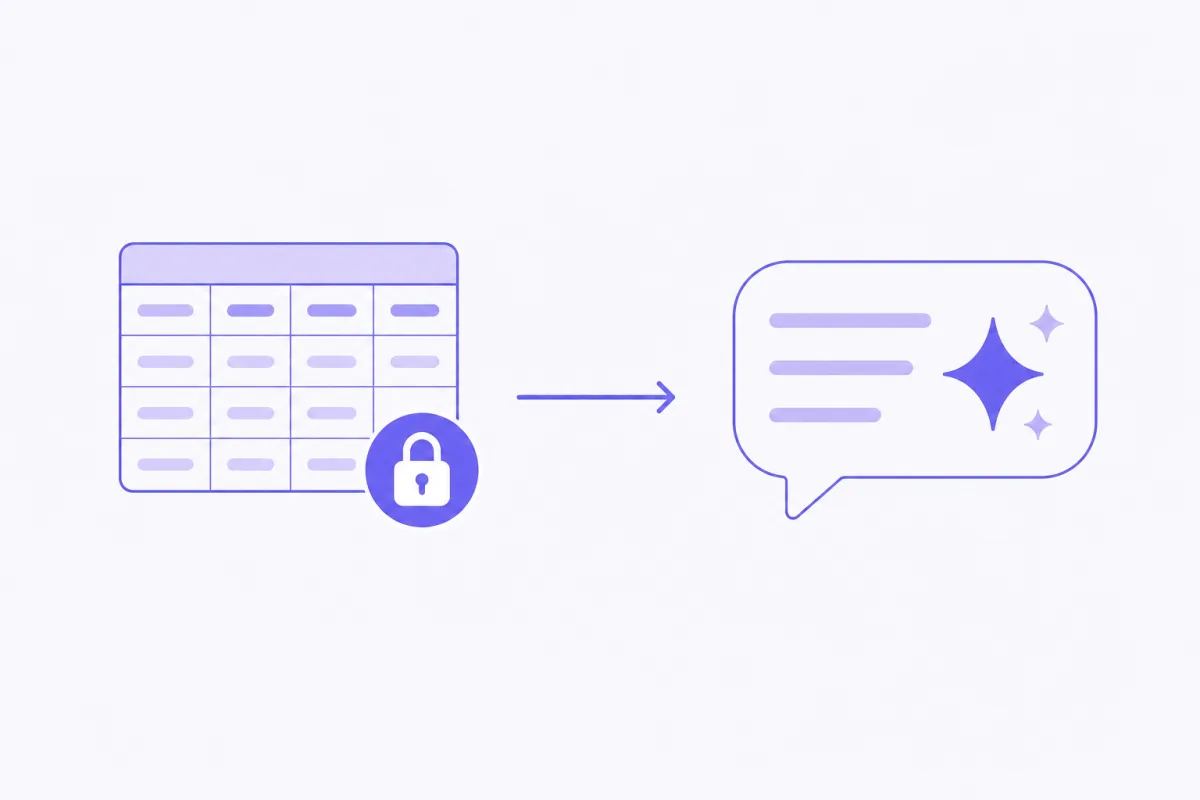 The numbers are computed. The narrative describes them — it doesn't invent them.
Why a link beats a PDF for verification
A PDF is a file, and every file the recipient receives has to be trusted at face value — there's no way for them to check whether the version in their inbox matches some other version that got quietly regenerated and resent five minutes later. A link is different. It points to something the sender doesn't fully control anymore once it's published. There's no "let me tweak that and resend" without it leaving a trace, because the version at that URL is the version — not a snapshot someone can silently swap out.
For an ongoing client relationship, that's a meaningfully stronger guarantee than a nicer PDF template will ever provide, no matter how polished the layout is.
What "immutable" actually means here
It's worth being precise about this instead of treating it as a buzzword. Once a report is published, that specific snapshot doesn't change — even if the underlying local activity log on the freelancer's Mac is later edited, corrected, or regenerated. The published page reflects the moment it was generated, permanently. If someone wants to publish an updated view, that becomes a new link, not a silent overwrite of the old one. The history stays intact either way.
When to use a link vs. a PDF
They're suited to different moments, not competing formats. A link works best for an ongoing client relationship or an async check-in — something you can point to mid-sprint without generating a new file each time. A PDF works best when something needs to live inside a paper trail that already expects files: attached to an invoice, dropped into a contract folder, forwarded through an accounting system that wants an attachment, not a URL. Most freelancers end up using both, just for different moments in the same relationship — see the companion piece on attaching a PDF to an invoice for that side of it.
Common questions, answered directly
Can I unpublish it? Yes — publishing is a choice you make per report, and it stays under your control on your end, not auto-published anywhere.
Does it show my screenshots? No. The link shows the goal, the focus rate, the narrative summary, and the time-allocation table with reasons — never the raw screen captures or OCR text behind them.
What if I disagree with a classification? Review the underlying log locally before you publish anything. If a reason looks off, it usually means the stated goal needed to be more specific — regenerate after clarifying it, and the classification will read differently.
The actual pitch
This isn't "trust it because AI wrote it." It's "the parts that need to be trustworthy are computed, and the part that's generated is visibly built on top of numbers you can check." That's a structural argument about how the report is assembled — not a marketing line about how smart the AI is. Which is exactly why it holds up under a skeptical read.
See a real one
The best way to understand this format is to look at a finished example — walk through one in the sample report walkthrough, or see the report section on the homepage. When you're ready to generate your own, download FocusLens for Mac.
Ready to see it in your own work?
Download FocusLens and generate your first focus report.