
Attach a Focus Report PDF to Your Invoice: Proof of Work Clients Can File
A practical guide for freelancers on exporting a FocusLens PDF report and attaching it to invoices — for hourly and project-rate work alike.
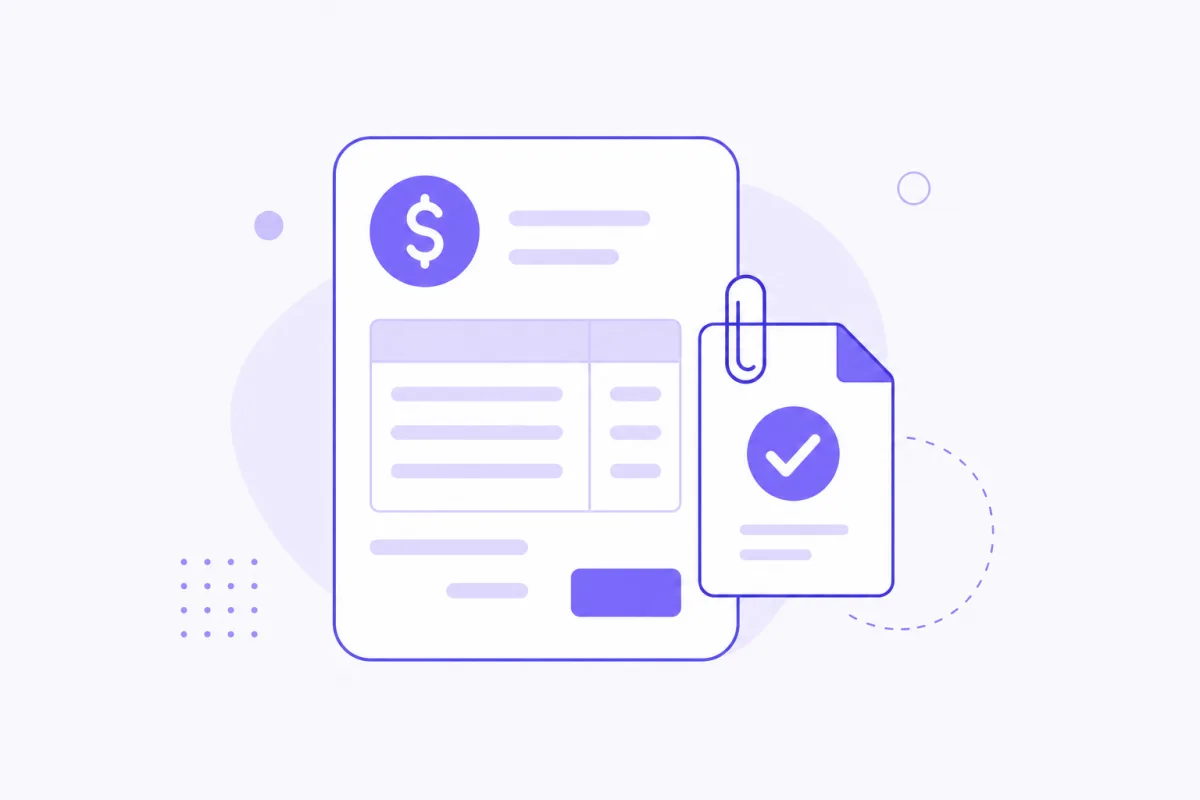
Invoices ask for money. Attachments answer the quiet question sitting behind the invoice, the one most clients never actually type out: "what am I paying for?" A padded spreadsheet attachment tends to create more doubt than confidence — it invites scrutiny of every line rather than settling anything. A focus report PDF is built to sit next to the invoice as calm, structured proof: the goal, the focus time, an allocation table, the reasons behind it — without asking the client to dig through anything.
When a PDF attachment helps the most
Not every invoice needs one, and that's fine. It matters most in a few specific situations: first engagements with a new client who has no track record with you yet, hourly retainers where the hours line item is the whole basis of the bill, weeks where something felt disputed or unusually light on visible output, and async clients who never jump on a call and therefore never get the informal context a quick chat would otherwise provide. In any of those, a PDF answers the question before it gets asked awkwardly over email three days later.
What to include vs. what to leave out
The report already summarizes the work — that's the entire point of it. Don't also paste a forty-line Slack dump into the invoice email underneath it; that just reintroduces the exact noise the report was built to replace. Keep the invoice itself short — the line items, the total, maybe one sentence of context — and let the PDF carry the evidence. Doubling up on explanation in two places usually reads as less confident, not more.
The export workflow
The actual steps are short: pick the day or week the invoice covers, generate the report for that exact range, click Export PDF, and attach the resulting file wherever the invoice is going — Stripe, Wave, QuickBooks, or a plain email. The one detail worth double-checking every time: make sure the report's date range actually matches the invoice's billing period. A mismatched range is the single most common way this workflow undermines itself.
Hourly vs. fixed-price framing
For hourly work, the PDF directly supports the hours line item — it's the receipt behind the number, and a client scanning it can see the time breakdown and reasoning behind exactly what they're being billed for. For fixed-price or milestone work, hours usually aren't billed directly, but the PDF still earns its place: it supports a progress narrative, showing what the milestone payment actually corresponds to in terms of real work, even when the invoice itself is just a flat number tied to a deliverable rather than a time total.
Introducing it to a client for the first time
The easiest way to introduce this without it sounding defensive is one short paragraph, something like: "I've started attaching a short work summary to invoices — it shows what the hours went toward and why, in case it's useful for your own records. No action needed on your end, just extra context if you want it." That framing does two things at once: it positions the report as a convenience you're offering, not a defense you're mounting, and it gives the client permission to ignore it entirely if they don't need it — which, for a client who already trusts you, they usually will, and that's fine too.
PDF vs. verified link for invoicing specifically
Between the two sharing formats, prefer the PDF specifically when the client needs something that lives in their own accounting folder — a file their bookkeeper can find later without hunting down a URL. Prefer a link instead when the goal is ongoing visibility during an active sprint rather than a one-time attachment tied to a single bill. The verified public link explainer covers that second case in full; for invoicing specifically, the PDF is almost always the right default.
Common mistakes to avoid
A few things reliably undercut the format: sending the raw activity log instead of the generated report, which reintroduces exactly the noise the PDF exists to remove; over-explaining in the email body on top of an attachment that already explains itself, which reads as anxious rather than confident; and — the most common one — attaching a report for a different date range than the invoice actually covers, which creates a discrepancy a careful client will notice and then have to ask about.
The actual goal here
This isn't about over-proving every single invoice you ever send. It's about making the occasional "can you show me what you worked on?" question already answered before anyone has to ask it. A PDF that shows reasons — not just hours — is the version that survives a skeptical finance review without a follow-up email.
Export your first one
Download FocusLens and export your first invoice-ready PDF from your next billing period. If a link would serve a particular client relationship better than a file, read the verified public link explainer — or see both formats in context in the report section on the homepage.
Ready to see it in your own work?
Download FocusLens and generate your first focus report.