
Why AI Counted a Stock Dashboard Check as Work: How the Relevance Score Works
A real example of an ambiguous activity — checking a stock dashboard — getting classified as focused work, and the reasoning FocusLens's AI uses to make that call.
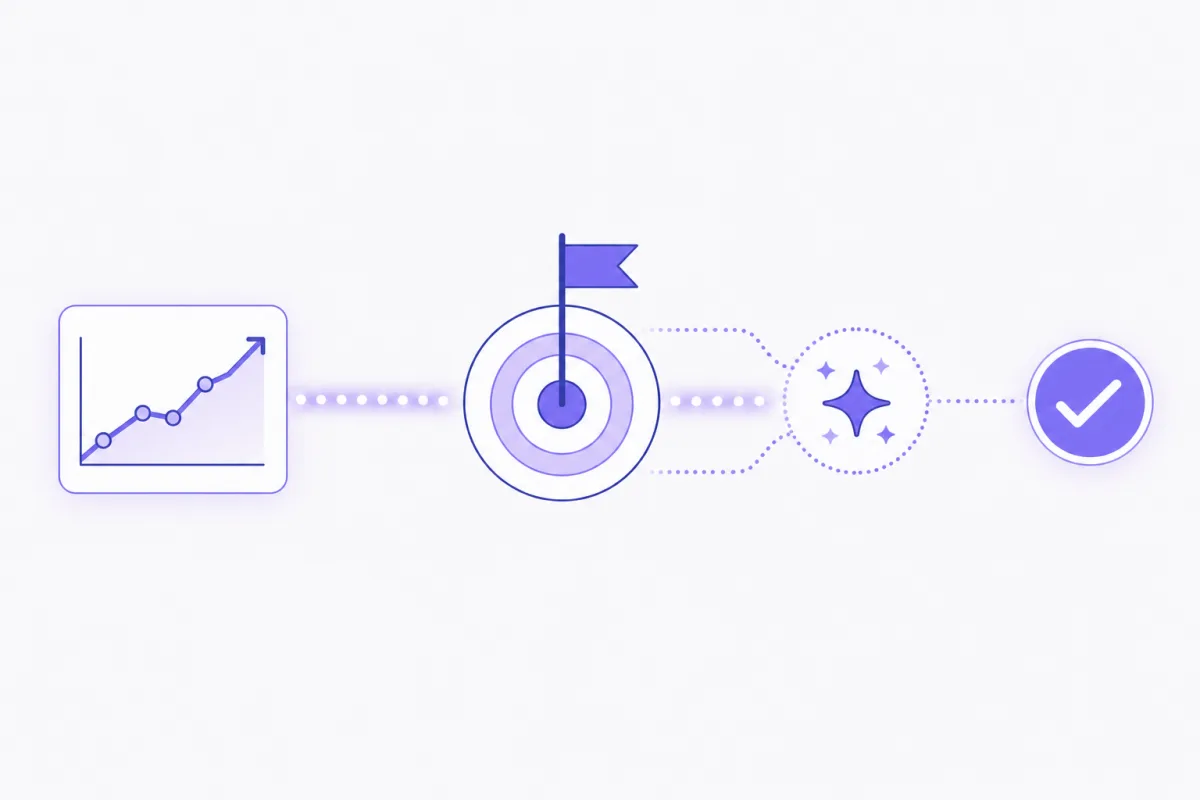
Picture a developer building a stock-tracking app. Ten times a day, they pull up a live market dashboard — not to trade, not to check their portfolio, just to sanity-check that their app's data matches reality. To a screenshot monitor, that looks exactly like checking stocks on the clock. Flag it, dock it, ask about it in a weekly review. To FocusLens, the same capture gets scored as focused work, with a written reason attached explaining why.
"AI decides what counts as work" is the kind of claim that needs to show its receipts. Here's the actual mechanism behind that distinction.
The ambiguous case, in full
The screen shows a live market dashboard: ticker symbols, price movements, a candlestick chart. The active app is a browser. The window title says "Markets Overview." Read in isolation, there are two completely valid interpretations. One: someone checking their investments during work hours. Two: a developer validating that their stock-tracking product is pulling accurate data. Nothing about the raw screen content resolves which one it is — the pixels are identical either way. Something else has to make the call.
What the AI actually receives
FocusLens doesn't classify a capture against a generic list of "productive apps" — there isn't one, because there can't be one that works for every job. Instead, each capture is packaged with three things: the active application, the window title, and on-screen text pulled via local OCR. That package gets compared against something a generic allowlist could never have: the focus criteria the user wrote for themselves, in their own words, describing what their work actually is that day.
That's the entire input. No behavioral profile, no keystroke pattern, no guess about intent beyond what's visible on screen and what the person said they're trying to accomplish.
How the relevance judgment gets made
In plain terms: the model reads the captured context, reads the stated goal, and produces two things — a relevance decision (does this count toward the goal or not) and a short written reason explaining the call. It's not a black-box percentage that shows up with no explanation attached. It's a judgment you can read and evaluate, the same way you'd evaluate a colleague's one-line status update.
For the stock-dashboard example, if the developer's focus criteria for the day says something like "build and test the stock-tracking dashboard feature," the model reads the market-data screen as directly relevant — the reason attached might read: "Checking live market data to verify the stock-tracking app displays accurate pricing." Not because a stock ticker is inherently "work," but because it matches what this specific person said their work is.
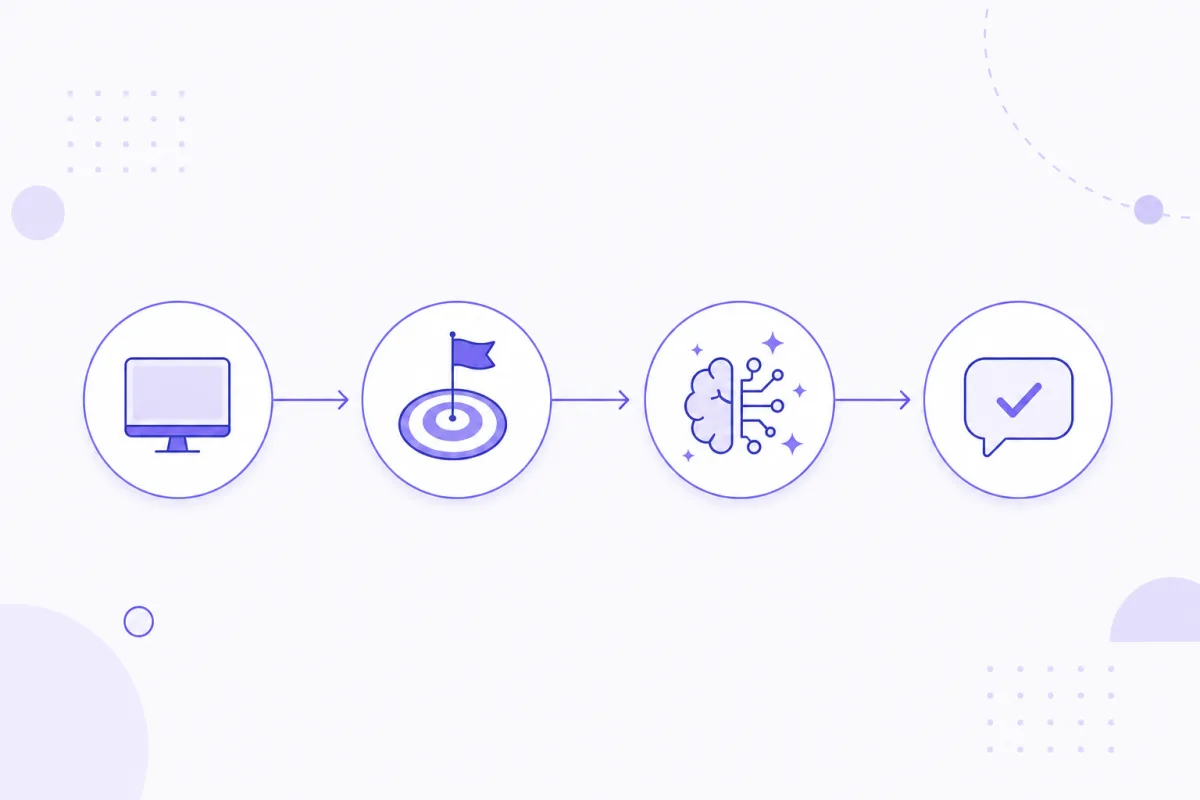 Context plus goal produces a judgment — not the app name alone.
Why the goal statement matters more than the app
This is the part that actually separates a reasoned system from an app allowlist: the exact same screen can be work or not work depending entirely on what the person defined as their goal that day.
Take that same market-dashboard capture and put it in front of someone whose stated focus criteria is "write and ship the Q3 marketing copy." Now the identical screen — same ticker, same chart, same window title — gets read completely differently. There's no plausible link between market-checking and writing marketing copy, so the model classifies it as unrelated, with a reason like "Viewing stock market data, unrelated to the stated marketing copy goal." Same pixels. Same app. Opposite classification. The app was never the deciding factor — the goal was.
What happens with genuinely unrelated activity
To be clear, this system isn't rubber-stamping everything as "focused" just because it can produce a plausible-sounding reason. If a developer working on that same stock-tracking feature spends twenty minutes on an unrelated shopping site, the classification reflects that honestly: unrelated activity, reason stated plainly, no attempt to spin it into relevance it doesn't have. The reasoning has to hold up either direction, or it isn't reasoning — it's just favorable narration.
Where this shows up in the report
Every one of these judgments feeds directly into the time-allocation table in the final report. Each row is a chunk of captured time, and each row carries its reason in plain text next to the minutes and percentage. There's no separate "trust me" step between the classification and what a client eventually sees — the same reasoning that scored the capture is the reasoning that appears on the page. You can see exactly what this looks like in the sample report walkthrough.
Limitations, stated honestly
AI classification isn't infallible, and it's worth saying plainly. The quality of the goal statement matters — a vague focus criteria produces vaguer judgments, the same way a vague instruction to a person produces vaguer work. And any model can misjudge an edge case. What keeps this from being a black box, though, is that the underlying captures and logs stay inspectable locally on your Mac at all times. Nothing about the classification is a mystery you have to take on faith — you can always open the log and check the model's reasoning against what actually happened.
The core distinction
This isn't "AI decides if you were being productive." It's "AI compares what's on your screen to the goal you defined, and tells you why." The reasoning is the product. The relevance score is just the label attached to it — the part a table needs so it can be summed into minutes and percentages. Without the reasoning behind it, that label would be exactly as empty as every other productivity score that's ever asked you to trust it blindly.
Try it on your own day
Set your own focus criteria and see how the scoring reads a real day of work — head to the goal setup, or go straight to a finished example in the sample report walkthrough. Ready to run it on your own Mac? Download FocusLens and set your first goal.
Ready to see it in your own work?
Download FocusLens and generate your first focus report.